Get the app. Run the shop.
Bookings, payments, messages and payouts, all from your phone. Free on iPhone and Android, for barbers and owners.
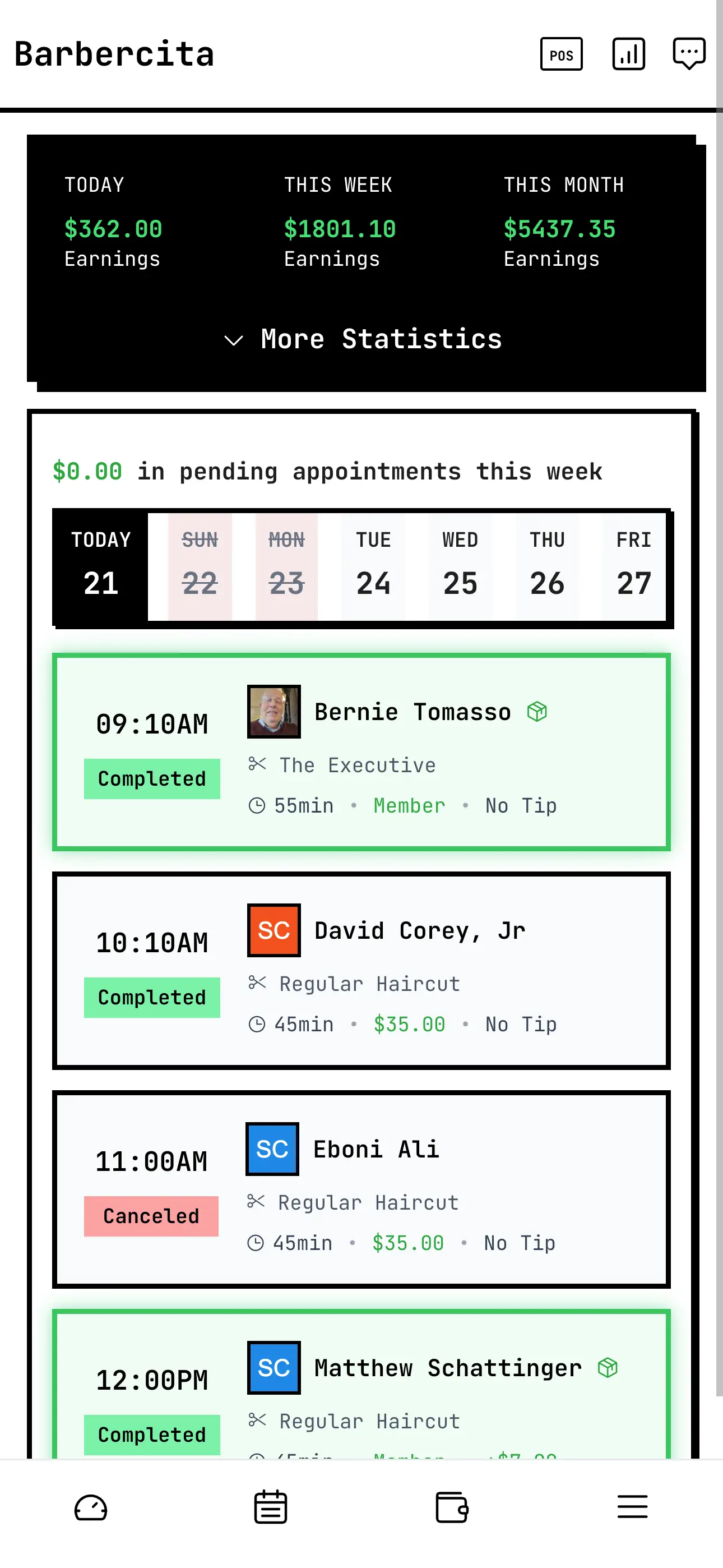
One app for you. Your own app for them.
Barbers and owners
Download Barbercita. Your schedule, clients, POS, wallet and the whole shop live here.
Your clients
They book in your shop's own app, with your name on the App Store and Google Play. Not in some directory next to the guy down the street.
Your own appStill take walk-ins? Let them book themselves.
The walk-in kiosk is for shops that still want the door open. Put a tablet at the counter and a walk-in books their own spot for today, without bugging the barber mid-cut or downloading anything.
- Check in with a name and phone number.
- Pick a barber, or Any and the kiosk picks one.
- Pick a service. The length comes from that barber's own times.
- Pick a time today from that barber's open slots, then tap Book.
Booked. It drops straight into that barber's schedule in the Barbercita app, same as any other appointment.


A walk-in becomes a real appointment.
Not a sticky note, not a name on a clipboard. The kiosk books through the same schedule your barbers already run their day from.
In the barber's schedule
The appointment shows up in that barber's schedule in the Barbercita app with the client, service, time and price.
Barber gets a push
The barber gets the same new-booking notification as an app booking, so they know who's next without looking up.
Client saved
A new face gets added to your clients. A regular is matched by their phone number, so their history stays in one place.
No card at the kiosk
Walk-ins don't enter a card or make an account. They pay at the chair like a walk-in always has.
No double booking
Only open times show, and if someone grabs a slot first the kiosk says so instead of stacking two clients in one chair.
Barbers choose
A barber shows up on the kiosk only if they turn it on in their profile. Not taking walk-ins today? Leave it off.
"How long's the wait?" Answered.
The kiosk's View Schedule button shows today at a glance: who's working, their hours, who's off, and how many appointments each barber has. Walk-ins can see how busy each barber is before they pick.
Questions
Do my clients download Barbercita?
Is the app free to download?
Can walk-ins book tomorrow on the kiosk?
Which barbers show up on the kiosk?
Does the kiosk work on an iPad?
Why isn't the kiosk on Google Play?
Stuck on setup?
A real person answers, not a ticket bot.